Manual / Guide 11
Test without a phone
Try your shop as a customer before anyone else does: in the browser with the web chat, or from the command line.
1. The web chat
- Add a test customer on Users (see Users and blocking).
- On the same computer, open
http://localhost:2007/webchat. - Log in with the test customer's username and password.
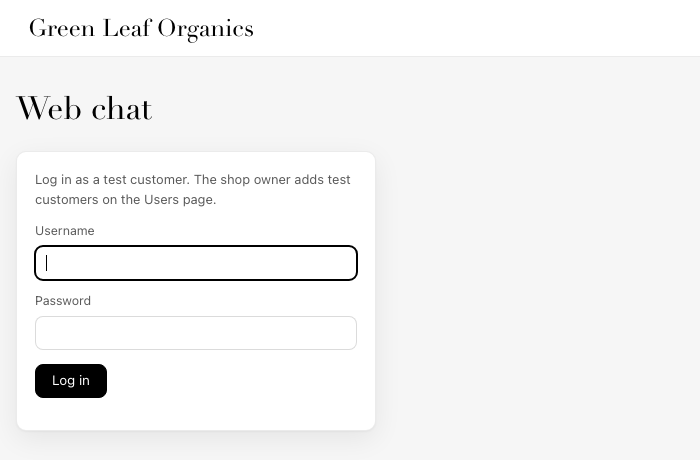
The web chat only works on the computer the shop runs on. It is the same bot your WhatsApp and Telegram customers talk to, and its orders and chats show up on your pages like real ones.
2. Place a test order
Type these one at a time and press Send:
do you have honey: the shop lists matching products with a photo.add 2 raw honey: it builds the order and asks for a delivery slot.slot 1: it shows the order and asks you to confirm.yes: it asks where to deliver.- Share a location: Share location uses the browser's location, or type it as
lat,lng(for example52.3676,4.9041) and click Send location. You can also type an address.
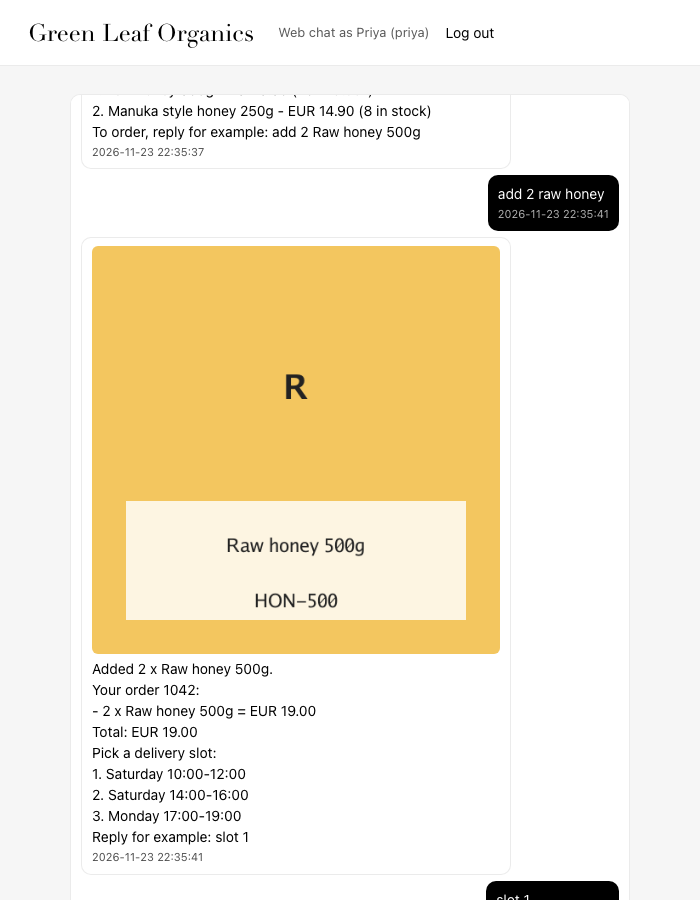
Then the shop sends the invoice and how to pay. Open Orders to see the new order and try Payment received.
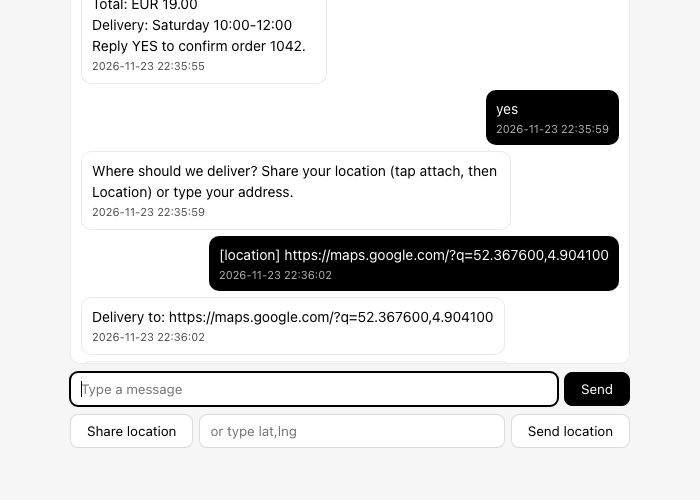
Use your own product names; these steps use the example file. For a services shop, try book Haircut (or your service).
3. From the command line
For people who like a terminal. The program is:
- Windows:
%LOCALAPPDATA%\ownshop\ownshop.exe - Mac:
"/Applications/OwnShop AI.app/Contents/MacOS/ownshop"(or under~/Applications)
The program is not on your PATH, so type its full path in place of ownshop below, in quotes.
Chat as a test customer with the running shop. It prints each reply, stops when the shop has been quiet for 3 seconds, and gives up after 60 seconds:
ownshop say --user priya --password demo123 "do you have honey"
ownshop say --user priya --password demo123 --location 52.3676,4.9041
Add --url http://localhost:2008 if the shop runs on another port.
Test customers and blocking. These commands work on the shop's database file. Without --db they use ownshop.db in the current folder, so either go to the data folder first or pass --db:
cd /d "%APPDATA%\ownshop"
ownshop webuser add priya demo123 --name Priya
ownshop webuser list
ownshop webuser delete priya
ownshop user list
ownshop user block web:priya
ownshop user unblock web:priya
On a Mac the data folder is ~/Library/Application Support/ownshop, for example --db ~/Library/Application\ Support/ownshop/ownshop.db.
ownshop without a command does the same as a double-click.
When you are done testing
Remove the test orders and chats with Clear test data. See Start over.
If it goes wrong
- "web chat is served on this computer only": open the web chat on the computer the shop runs on, with
localhostor127.0.0.1in the address. - "wrong username or password": check the test customer on Users.
- The first answer takes long. The AI model is loading. See Troubleshooting.